How do I customize my statuspage?
Updated
In this guide you will learn:
how to add and delete components on your statuspage.
how the design can be changed.
how to implement your own domain.
how to make your statuspage private.
Overview
Adding and deleting components
Go to Statuspages and choose the statuspage you want to edit by clicking on it. You will find the currently displayed services under Components. You can add more under + Add Component and optionally give them a description.
A service's description will be displayed on the statuspage.
If you want to delete a component, simply click on it and delete it via Delete Component in the danger zone.
Changing the design
You can add your logo and customize the color scheme in your statuspage's settings.
Add your logo
Add your logo via drag-and-drop into the dedicated field or click on the upload symbol to upload your desired logo. You can add files up to 5 MB in these formats:
.jpeg.png.gif
If you want to remove or change your logo, you can do so using the two buttons at the top right of your logo.
Change the color scheme
By default, the Default color preset is selected. If you click on the field, a dropdown menu appears where you can also choose between Light and Dark.
If you select a preset other than the default, this expanded color selection will appear:
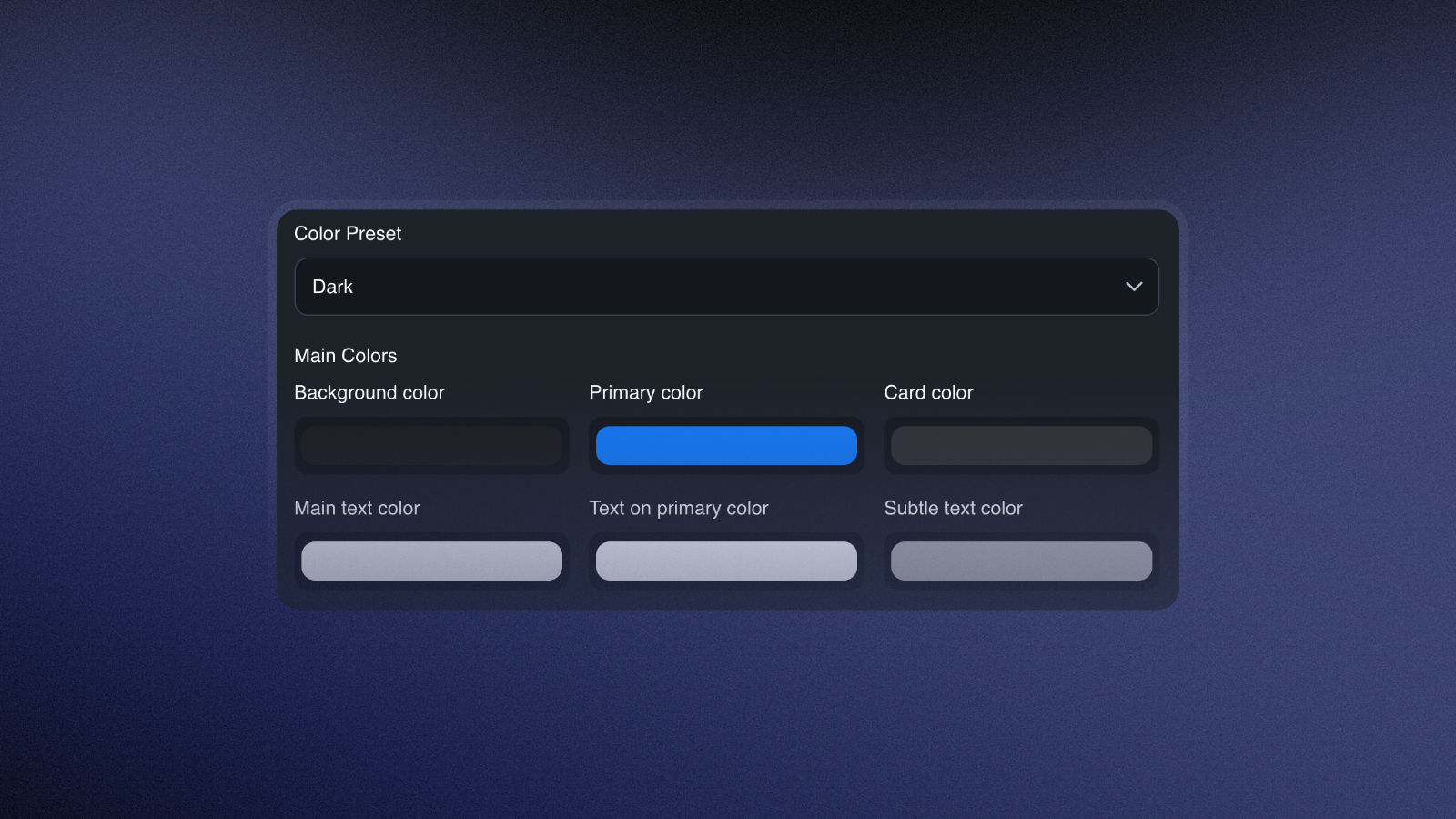
Here you can customize all the colors to your liking and tailor them to your brand identity. If you want to restore the default settings, simply select Default again.
Your own statuspage domain
If you want to use your own domain to link to your statuspage, you need to add a CNAME entry to your domain. As an example domain we will use statuspage.example.com.
For this domain you will need to add the following record to your domain:
Then, add your domain in the Custom domain field in your statuspage settings.
How to make your statuspage private
You can either choose to make a statuspage private when you first set it up or you can change the visibility in the statuspage's settings. Private statuspages can only be accessed by people in your organisation.
Private statuspages are only available in the Basic and Pro plans.
A private statuspage offers the advantage of allowing sensitive data to be securely shared within the organization and with stakeholders in one central location. We still recommend that you provide at least one public status page to ensure transparency for your customers.