Changelog
Keep track of new updates and features

Monitors can now be configured to run checks from additional regions, currently
the US, EU and Asia. For each enabled region you see response times and failure
rates, and you can tell regional problems apart from global outages.
Added
Multiregional monitoring: choose per monitor which regions to check from, with
the US and Asia available in addition to Europe. Response times and failure
rates are shown per region.Detection of regional vs. global outages. Incidents now show whether one region
is affected or the service is down everywhere.Live probes: watch your checks run in realtime
Keyword monitoring: verify that a response contains (or does not contain) a
specific text, instead of only checking the status codeMore HTTP methods for HTTP monitors
Failed checks now store the response, so you can review later what your service
actually returned
Improved
Much faster monitor pages, including reworked charts and outage views
New On-Call scheduling with support for multi-layer escalations
Various improvements to notifications
Cleaner subscription and payment flow with more customization options
Monitors can now be configured to run checks from additional regions, currently
the US, EU and Asia. For each enabled region you see response times and failure
rates, and you can tell regional problems apart from global outages.
Added
Multiregional monitoring: choose per monitor which regions to check from, with
the US and Asia available in addition to Europe. Response times and failure
rates are shown per region.Detection of regional vs. global outages. Incidents now show whether one region
is affected or the service is down everywhere.Live probes: watch your checks run in realtime
Keyword monitoring: verify that a response contains (or does not contain) a
specific text, instead of only checking the status codeMore HTTP methods for HTTP monitors
Failed checks now store the response, so you can review later what your service
actually returned
Improved
Much faster monitor pages, including reworked charts and outage views
New On-Call scheduling with support for multi-layer escalations
Various improvements to notifications
Cleaner subscription and payment flow with more customization options
Monitors can now be configured to run checks from additional regions, currently
the US, EU and Asia. For each enabled region you see response times and failure
rates, and you can tell regional problems apart from global outages.
Added
Multiregional monitoring: choose per monitor which regions to check from, with
the US and Asia available in addition to Europe. Response times and failure
rates are shown per region.Detection of regional vs. global outages. Incidents now show whether one region
is affected or the service is down everywhere.Live probes: watch your checks run in realtime
Keyword monitoring: verify that a response contains (or does not contain) a
specific text, instead of only checking the status codeMore HTTP methods for HTTP monitors
Failed checks now store the response, so you can review later what your service
actually returned
Improved
Much faster monitor pages, including reworked charts and outage views
New On-Call scheduling with support for multi-layer escalations
Various improvements to notifications
Cleaner subscription and payment flow with more customization options
Mar 27, 2026
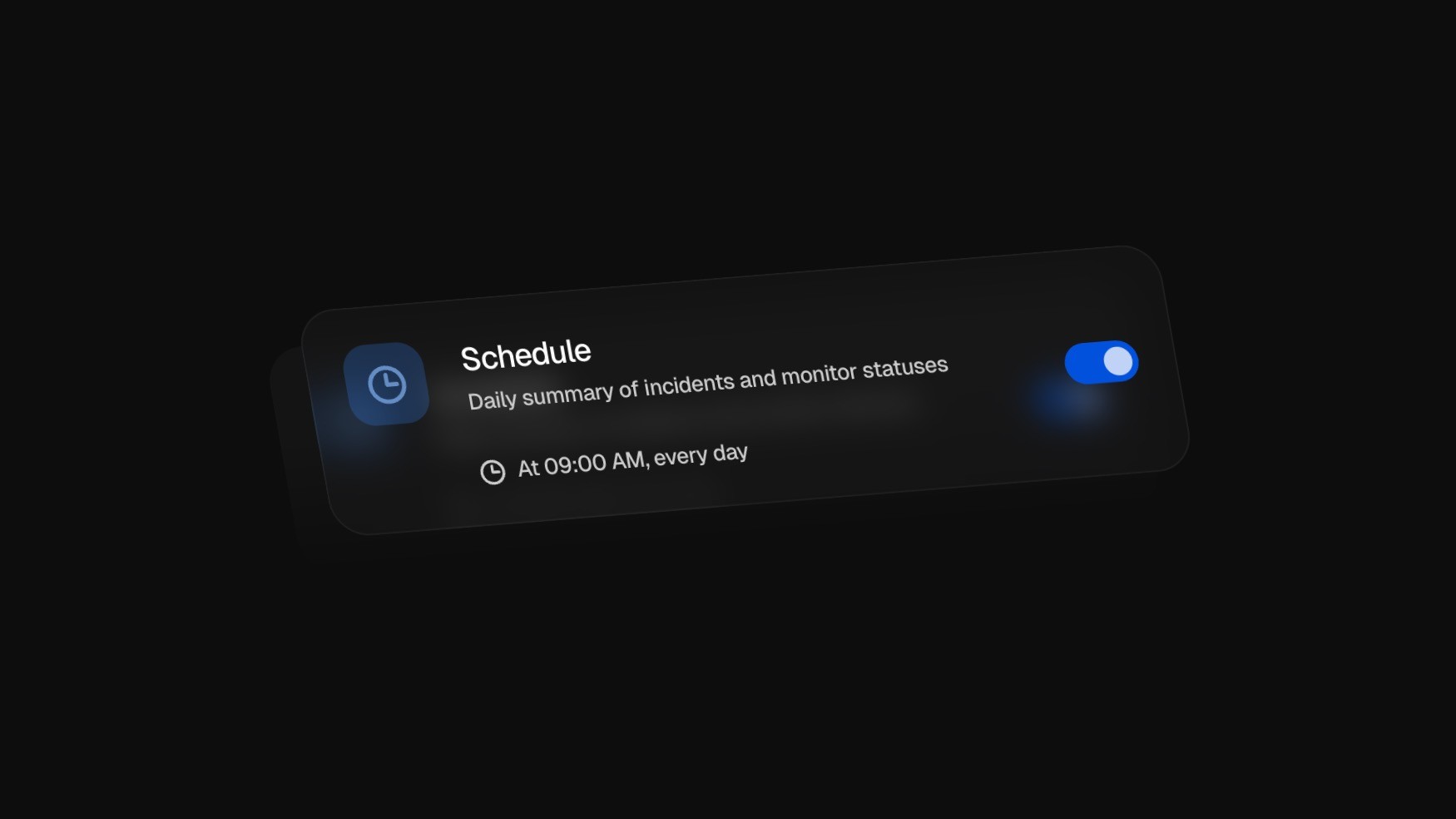
Staying informed about system reliability just got easier. Users can now receive automatic summaries of incidents and monitor activity, helping them quickly understand what happened without manually reviewing individual updates.
Users can configure multiple schedules directly in Notification Settings, making it easy to receive updates - for example, a morning reliability overview or a weekly summary.
Added
Scheduled incident and monitor summaries to keep teams informed about ongoing and past incidents, recent monitor history, and a concise status overview
Ability to create multiple summary schedules in notification settings for flexible reporting
Improved
Timezone support for more accurate scheduling and notifications across global teams
Translations for a more accessible experience for international users
Platform performance for faster and more reliable usage
Changed
Broadcast channels can now be disabled or re-enabled, giving teams more control over how updates are distributed
Mar 27, 2026
Staying informed about system reliability just got easier. Users can now receive automatic summaries of incidents and monitor activity, helping them quickly understand what happened without manually reviewing individual updates.
Users can configure multiple schedules directly in Notification Settings, making it easy to receive updates - for example, a morning reliability overview or a weekly summary.
Added
Scheduled incident and monitor summaries to keep teams informed about ongoing and past incidents, recent monitor history, and a concise status overview
Ability to create multiple summary schedules in notification settings for flexible reporting
Improved
Timezone support for more accurate scheduling and notifications across global teams
Translations for a more accessible experience for international users
Platform performance for faster and more reliable usage
Changed
Broadcast channels can now be disabled or re-enabled, giving teams more control over how updates are distributed
Mar 27, 2026
Staying informed about system reliability just got easier. Users can now receive automatic summaries of incidents and monitor activity, helping them quickly understand what happened without manually reviewing individual updates.
Users can configure multiple schedules directly in Notification Settings, making it easy to receive updates - for example, a morning reliability overview or a weekly summary.
Added
Scheduled incident and monitor summaries to keep teams informed about ongoing and past incidents, recent monitor history, and a concise status overview
Ability to create multiple summary schedules in notification settings for flexible reporting
Improved
Timezone support for more accurate scheduling and notifications across global teams
Translations for a more accessible experience for international users
Platform performance for faster and more reliable usage
Changed
Broadcast channels can now be disabled or re-enabled, giving teams more control over how updates are distributed
Dec 29, 2025
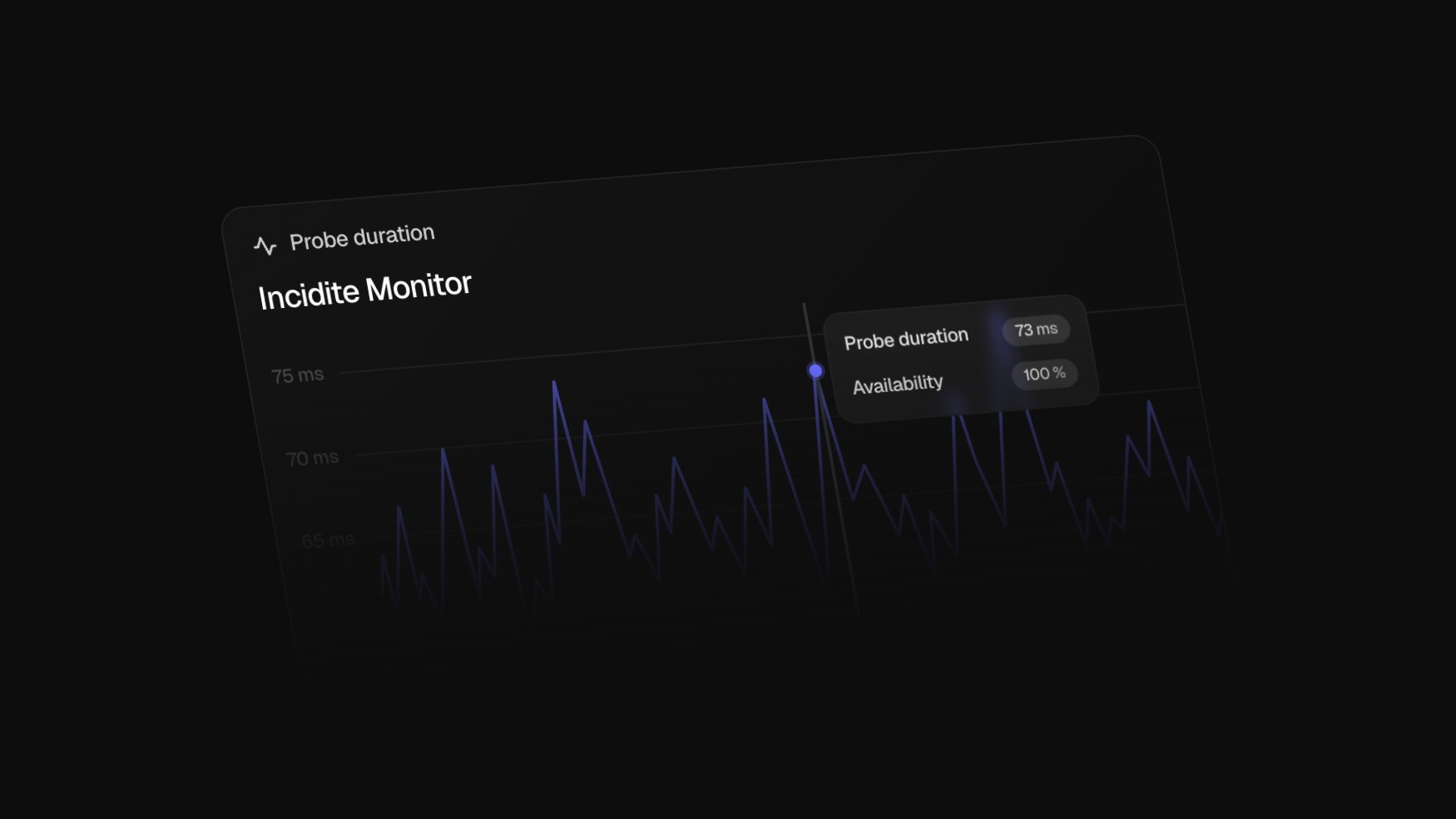
Our monitors get a major update this month, including many new features and performance improvements.
Added
Highlighting of failure periods directly in the charts
Display of configured timeouts in the graph
Dynamic data resolution when zooming
Real-time updates for charts and failure data
New “Last Failures” view with HTTP status code
New API endpoints for statistics
Direct logo upload for status pages
Improved
Monitor cards now show 14 days by default
Time range filter: 24h / 14d / 30d + SLI adjustment
Clickable chart bars for a detailed view
Full timezone support
UI/UX: scroll-to-zoom, localization, performance
Documentation links available directly in the features
Fixed
Alerts for HTTP monitors now close correctly
Added missing translations
Dec 29, 2025
Our monitors get a major update this month, including many new features and performance improvements.
Added
Highlighting of failure periods directly in the charts
Display of configured timeouts in the graph
Dynamic data resolution when zooming
Real-time updates for charts and failure data
New “Last Failures” view with HTTP status code
New API endpoints for statistics
Direct logo upload for status pages
Improved
Monitor cards now show 14 days by default
Time range filter: 24h / 14d / 30d + SLI adjustment
Clickable chart bars for a detailed view
Full timezone support
UI/UX: scroll-to-zoom, localization, performance
Documentation links available directly in the features
Fixed
Alerts for HTTP monitors now close correctly
Added missing translations
Dec 29, 2025
Our monitors get a major update this month, including many new features and performance improvements.
Added
Highlighting of failure periods directly in the charts
Display of configured timeouts in the graph
Dynamic data resolution when zooming
Real-time updates for charts and failure data
New “Last Failures” view with HTTP status code
New API endpoints for statistics
Direct logo upload for status pages
Improved
Monitor cards now show 14 days by default
Time range filter: 24h / 14d / 30d + SLI adjustment
Clickable chart bars for a detailed view
Full timezone support
UI/UX: scroll-to-zoom, localization, performance
Documentation links available directly in the features
Fixed
Alerts for HTTP monitors now close correctly
Added missing translations
Oct 31, 2025
Oct 2025
Added
Active alerts on dashboard: Active alerts are now visible directly on the main dashboard, making it easier to monitor ongoing incidents in real time.
Selective status page publishing: Updates can now be published to specific status pages instead of all at once.
Status page notification control: Users can now decide whether to send notifications when posting updates to status pages.
Improved
Automatic monitor pausing: Monitors are now paused automatically after failing for one full day consecutively, helping reduce unnecessary alerts.
Design & UX: Interface improvements, including the ability to create a team directly during monitor creation and other UI refinements for a smoother workflow.
Translations: Refinement of the German translation for improved accuracy and consistency.
Alert pipeline performance: Optimizations for performance and stability within the alerting pipeline, ensuring faster and more reliable notifications.
Oct 31, 2025
Oct 2025
Added
Active alerts on dashboard: Active alerts are now visible directly on the main dashboard, making it easier to monitor ongoing incidents in real time.
Selective status page publishing: Updates can now be published to specific status pages instead of all at once.
Status page notification control: Users can now decide whether to send notifications when posting updates to status pages.
Improved
Automatic monitor pausing: Monitors are now paused automatically after failing for one full day consecutively, helping reduce unnecessary alerts.
Design & UX: Interface improvements, including the ability to create a team directly during monitor creation and other UI refinements for a smoother workflow.
Translations: Refinement of the German translation for improved accuracy and consistency.
Alert pipeline performance: Optimizations for performance and stability within the alerting pipeline, ensuring faster and more reliable notifications.
Oct 31, 2025
Oct 2025
Added
Active alerts on dashboard: Active alerts are now visible directly on the main dashboard, making it easier to monitor ongoing incidents in real time.
Selective status page publishing: Updates can now be published to specific status pages instead of all at once.
Status page notification control: Users can now decide whether to send notifications when posting updates to status pages.
Improved
Automatic monitor pausing: Monitors are now paused automatically after failing for one full day consecutively, helping reduce unnecessary alerts.
Design & UX: Interface improvements, including the ability to create a team directly during monitor creation and other UI refinements for a smoother workflow.
Translations: Refinement of the German translation for improved accuracy and consistency.
Alert pipeline performance: Optimizations for performance and stability within the alerting pipeline, ensuring faster and more reliable notifications.
Aug 31, 2025
Aug 2025
Highlights August
Pause Monitors: Monitors can now be temporarily disabled – no new probes will be executed during the pause
Incidite now in German: The interface is fully localized and can now be used entirely in German
Added
Option to pause monitors (no new probes during the pause)
On-Call feature
Full German localization of Incidite
Improved
Performance improvements for monitors
Alerts are now displayed directly on the monitor detail page
Popups and notifications now appear more contextually
Translations have been revised and improved
Monitor alerts now include additional details (e.g., HTTP status code)
Aug 31, 2025
Aug 2025
Highlights August
Pause Monitors: Monitors can now be temporarily disabled – no new probes will be executed during the pause
Incidite now in German: The interface is fully localized and can now be used entirely in German
Added
Option to pause monitors (no new probes during the pause)
On-Call feature
Full German localization of Incidite
Improved
Performance improvements for monitors
Alerts are now displayed directly on the monitor detail page
Popups and notifications now appear more contextually
Translations have been revised and improved
Monitor alerts now include additional details (e.g., HTTP status code)
Aug 31, 2025
Aug 2025
Highlights August
Pause Monitors: Monitors can now be temporarily disabled – no new probes will be executed during the pause
Incidite now in German: The interface is fully localized and can now be used entirely in German
Added
Option to pause monitors (no new probes during the pause)
On-Call feature
Full German localization of Incidite
Improved
Performance improvements for monitors
Alerts are now displayed directly on the monitor detail page
Popups and notifications now appear more contextually
Translations have been revised and improved
Monitor alerts now include additional details (e.g., HTTP status code)
Jul 22, 2025
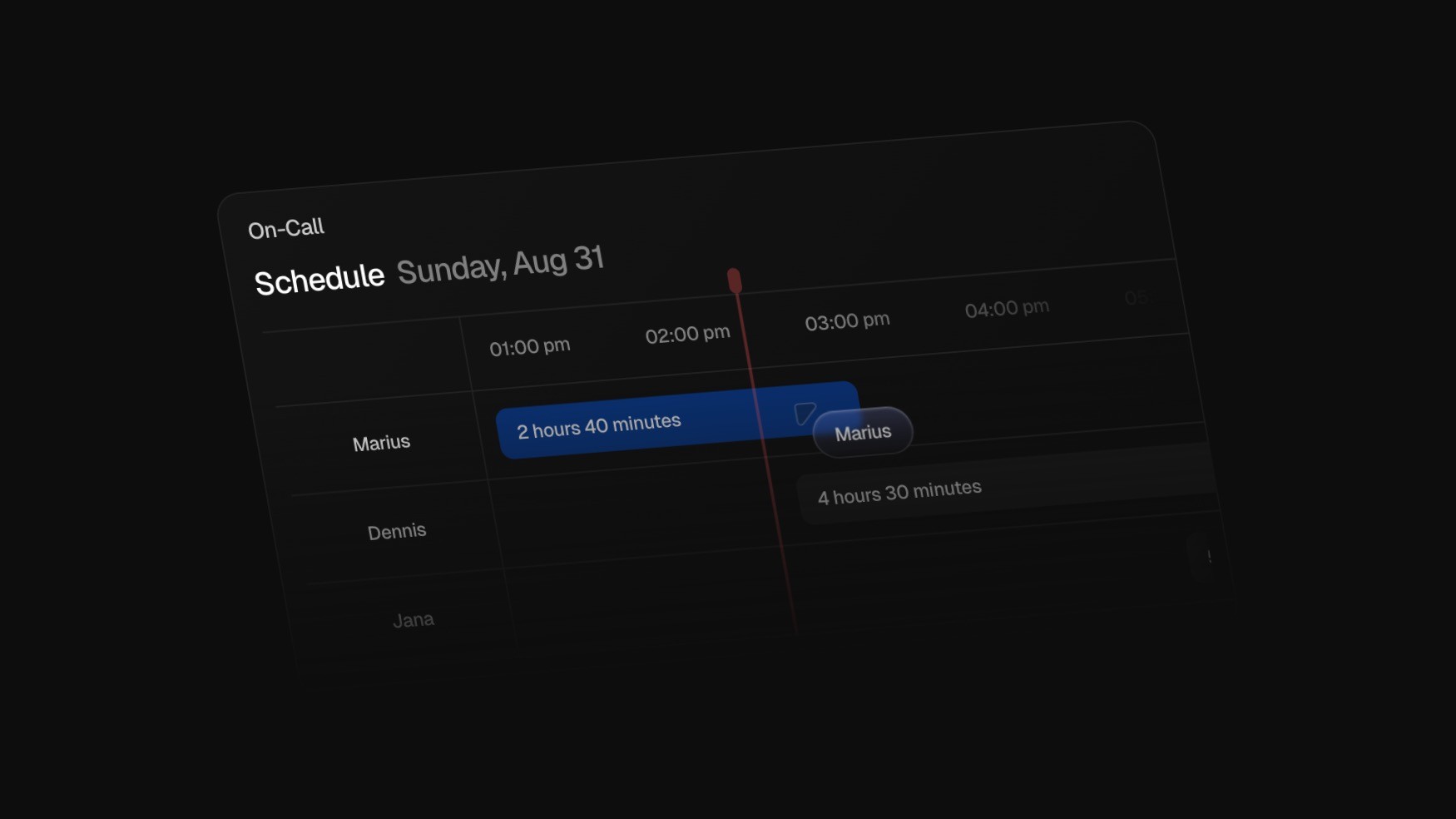
A major addition this month is the on-call feature allowing teams to define, schedule, and manage on-call shifts via a user-friendly interface. Schedules can be daily, weekly, or fully customized, and the current on-call person will be automatically notified during incidents.
Added
On-call feature with UI and scheduling wizard for custom shifts and notifications
German translation for the dashboard (browser-based with manual override)
Additional alert details, including monitored HTTP status codes
Improved
Incident timeline with clickable badges for users, services, status pages, teams, alerts, and tasks
Web push notification design
Statistics now exclude maintenance events
Color schema of Incidite
Fixed
Affected services no longer disappear after pagination
Various spelling mistakes across the platform
Jul 22, 2025
A major addition this month is the on-call feature allowing teams to define, schedule, and manage on-call shifts via a user-friendly interface. Schedules can be daily, weekly, or fully customized, and the current on-call person will be automatically notified during incidents.
Added
On-call feature with UI and scheduling wizard for custom shifts and notifications
German translation for the dashboard (browser-based with manual override)
Additional alert details, including monitored HTTP status codes
Improved
Incident timeline with clickable badges for users, services, status pages, teams, alerts, and tasks
Web push notification design
Statistics now exclude maintenance events
Color schema of Incidite
Fixed
Affected services no longer disappear after pagination
Various spelling mistakes across the platform
Jul 22, 2025
A major addition this month is the on-call feature allowing teams to define, schedule, and manage on-call shifts via a user-friendly interface. Schedules can be daily, weekly, or fully customized, and the current on-call person will be automatically notified during incidents.
Added
On-call feature with UI and scheduling wizard for custom shifts and notifications
German translation for the dashboard (browser-based with manual override)
Additional alert details, including monitored HTTP status codes
Improved
Incident timeline with clickable badges for users, services, status pages, teams, alerts, and tasks
Web push notification design
Statistics now exclude maintenance events
Color schema of Incidite
Fixed
Affected services no longer disappear after pagination
Various spelling mistakes across the platform