Top 10 Best Incident Management Software Tools on the Market Right Now
Updated on
Jana Sauer
Digital services have to be available 24/7 in today's world, downtime isn't only inconvenient but very expensive. Choosing the best incident management software is critical for IT teams, DevOps engineers, and enterprise organizations aiming to reduce outages and improve service availability.
Here you'll find a comparison of the top tools, key features, and selection criteria based on industry standards.
TL;DR:
An Incident Management software helps to detect and resolve incidents, but also supports teams to prevent recurring outages.
Key features you should look for are: Monitoring, automated workflows, a built-in statuspage, realtime-alerting and notifications, collaboration tools, analytics and possibilities for integrations.
You should consider your team size, integration needs, budget and use case when choosing an Incident Management software.
What Is Incident Management Software?
An incident management software helps organizations to detect, track, respond to, and resolve incidents efficiently by centralizing alerts, automating workflows, and ensuring incidents are routed to the right teams. Here's an in-depth blog post on incident management and best practices.
Modern platforms go beyond simple ticketing by offering:
Real-time alerting and escalation
Automation and AI-driven insights
Collaboration tools for faster resolution
Reporting and post-incident analysis
These features aim to reduce MTTR (Mean Time to Resolution) and improve system reliability.
Top 10 Best Incident Management Software Tools
The following tools consistently appear in expert comparisons due to their scalability, automation capabilities, and integration ecosystems and are widely used in the industry:
1. Incidite
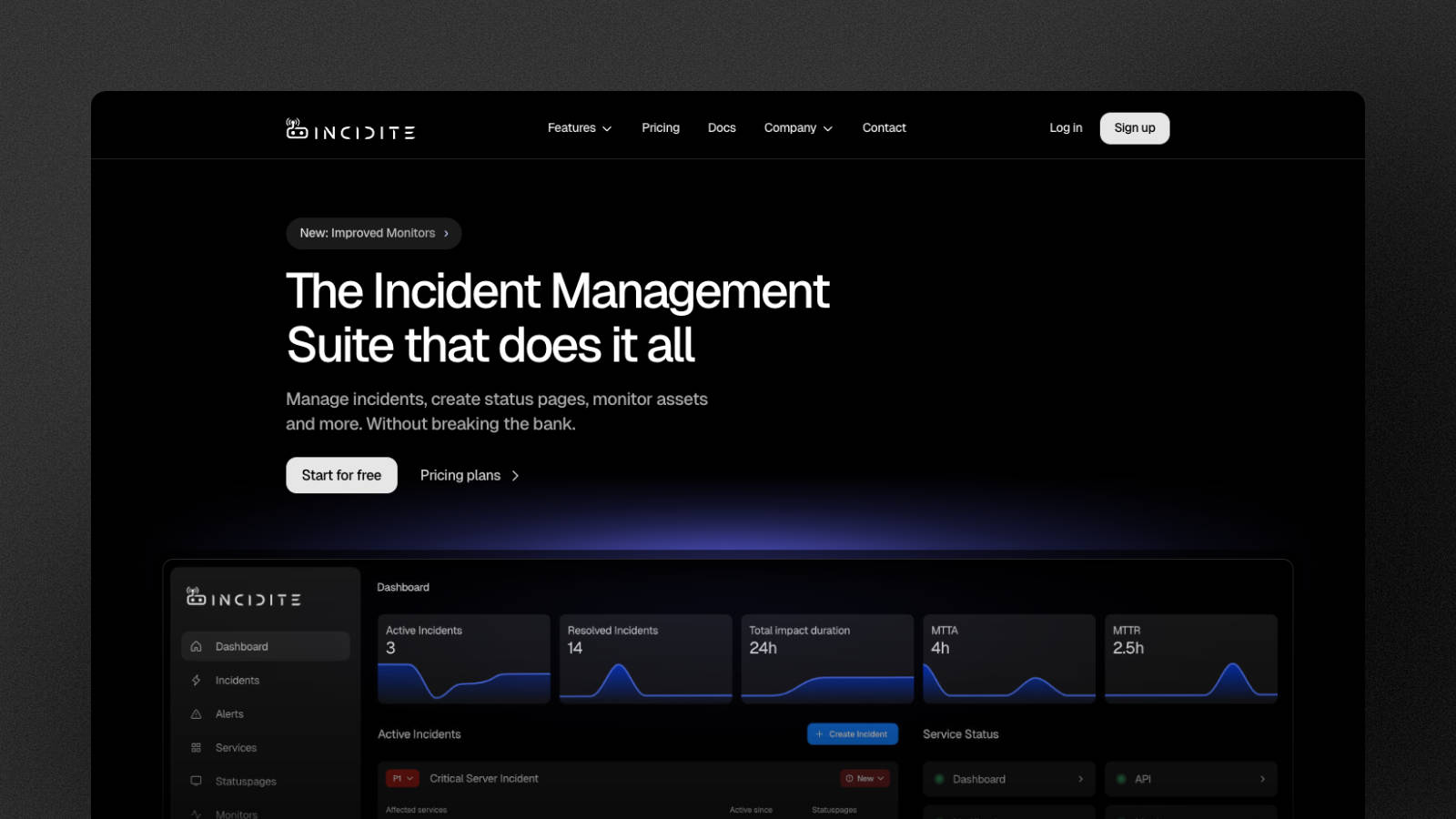
Best for: Seamless internal and external incident communication and teams on a budget
Strength: Monitoring, status pages and communication tools are already integrated. Incident roles and tasks are offered.
Ideal for teams who are looking for an allrounder with excellent communication and incident mitigation features.
Starting price: 16 €/month or 192 €/year (10 users included)
Free plan: Available
2. ServiceNow
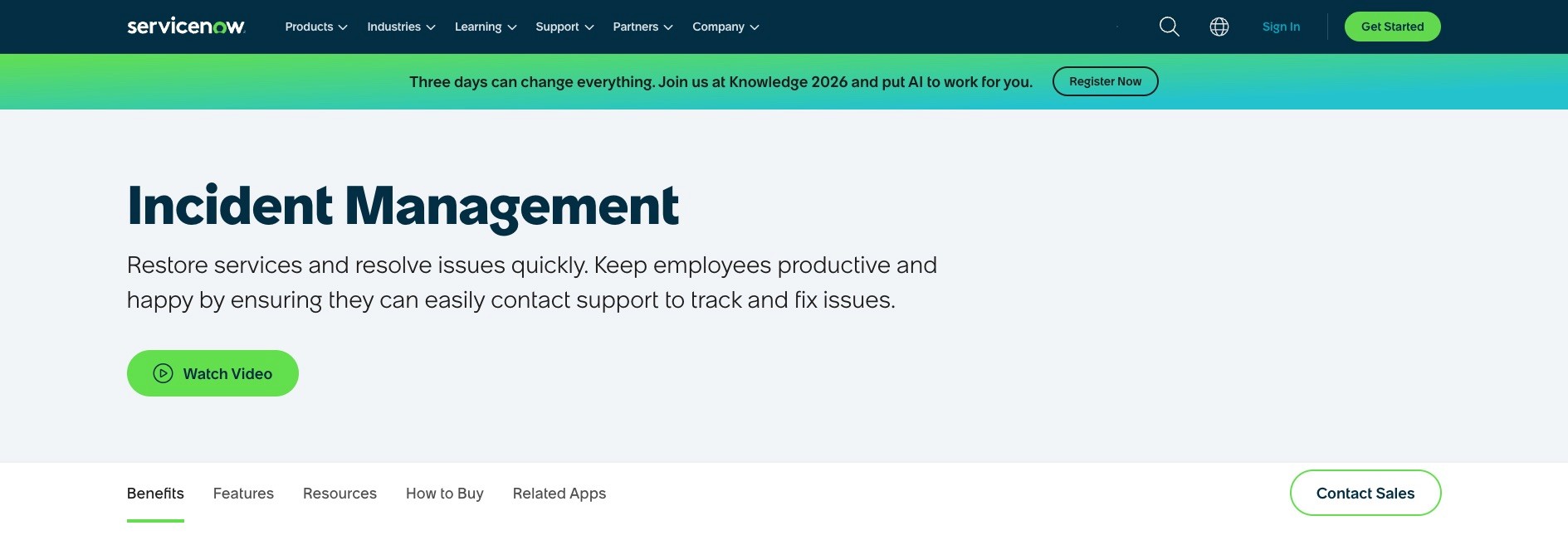
Best for: Large enterprises
Strength: Full ITSM suite with deep customization
Ideal if you need end-to-end service management.
Starting price: Individual
3. Jira Service Management
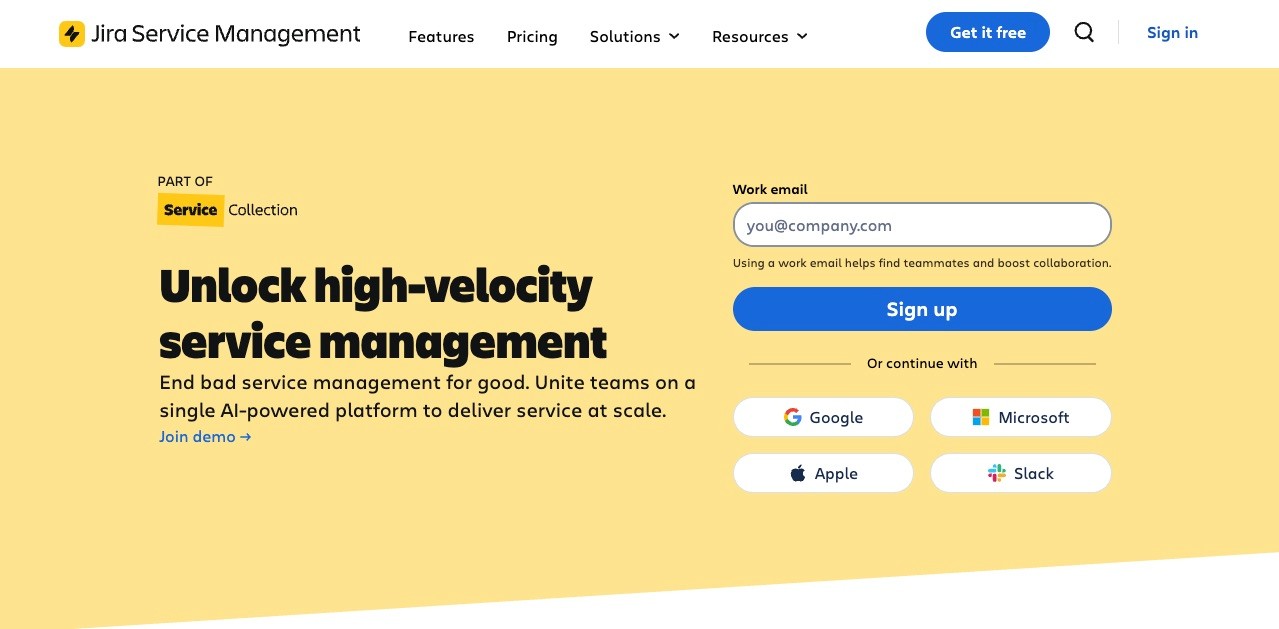
Best for: Agile & DevOps teams
Strength: Seamless integration with Atlassian ecosystem
Starting price: 25 $/month/user or 300 $/year/user
Free plan: Available
4. PagerDuty
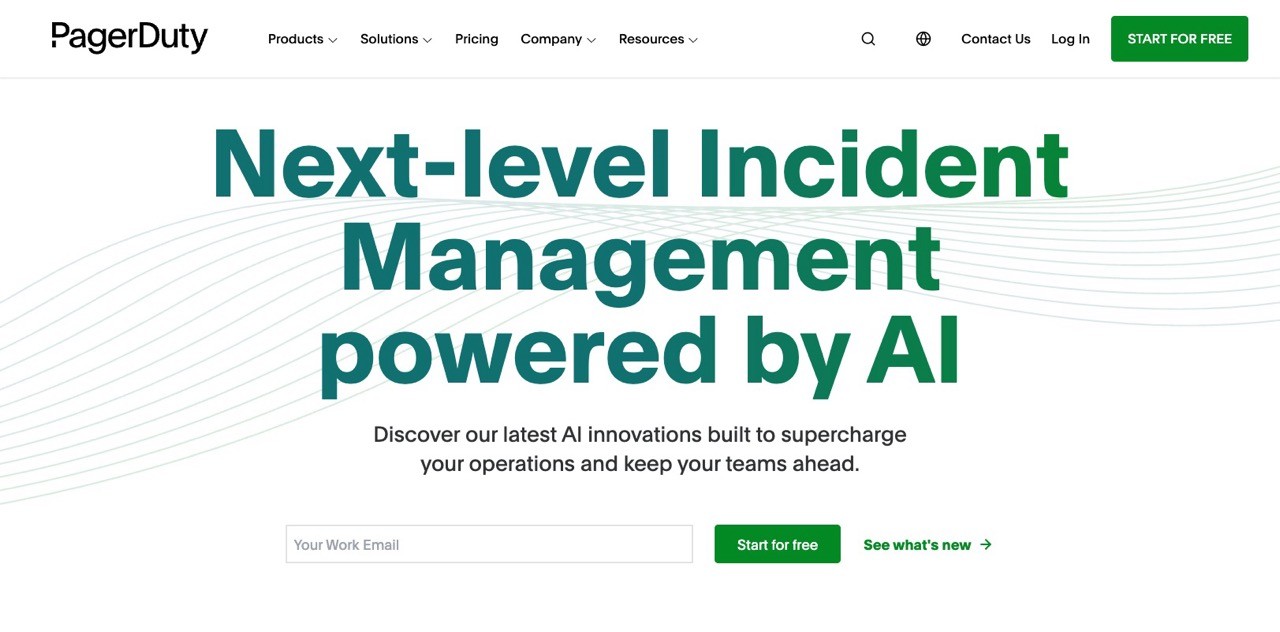
Best for: Real-time incident response
Strength: Industry-leading alerting and on-call scheduling
Starting price: 21 $/month/user or 252 $/year/user
Free plan: Available
5. Freshservice
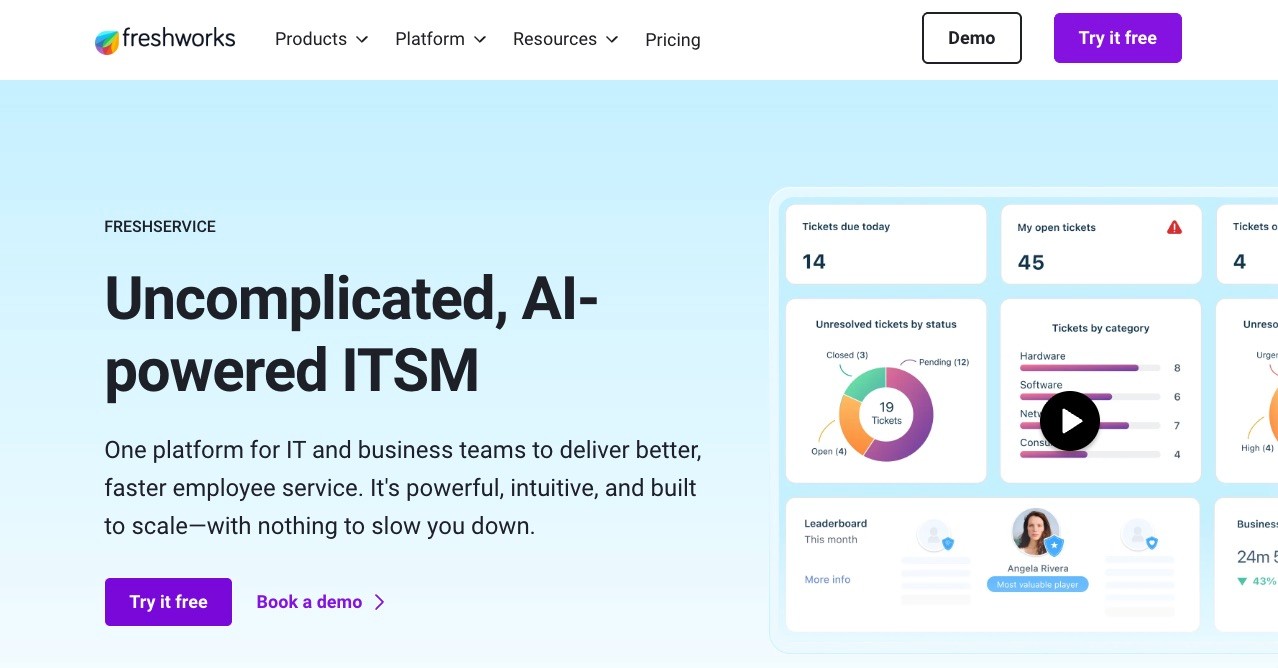
Best for: SMBs and mid-sized IT teams
Strength: ITIL-ready with user-friendly interface
Starting price: 15 €/month/user or 180 €/year/user
Free plan: Not available
6. Zendesk

Best for: Customer-facing incident support
Strength: Multichannel ticketing and communication
Starting price: 29 €/month/user or 348 €/year/user
Free plan: Not available
7. BMC Helix ITSM
Best for: Enterprise IT environments
Strength: AI-powered predictive analytics
Starting price: Individual
Free plan: Not available
8. SolarWinds Service Desk
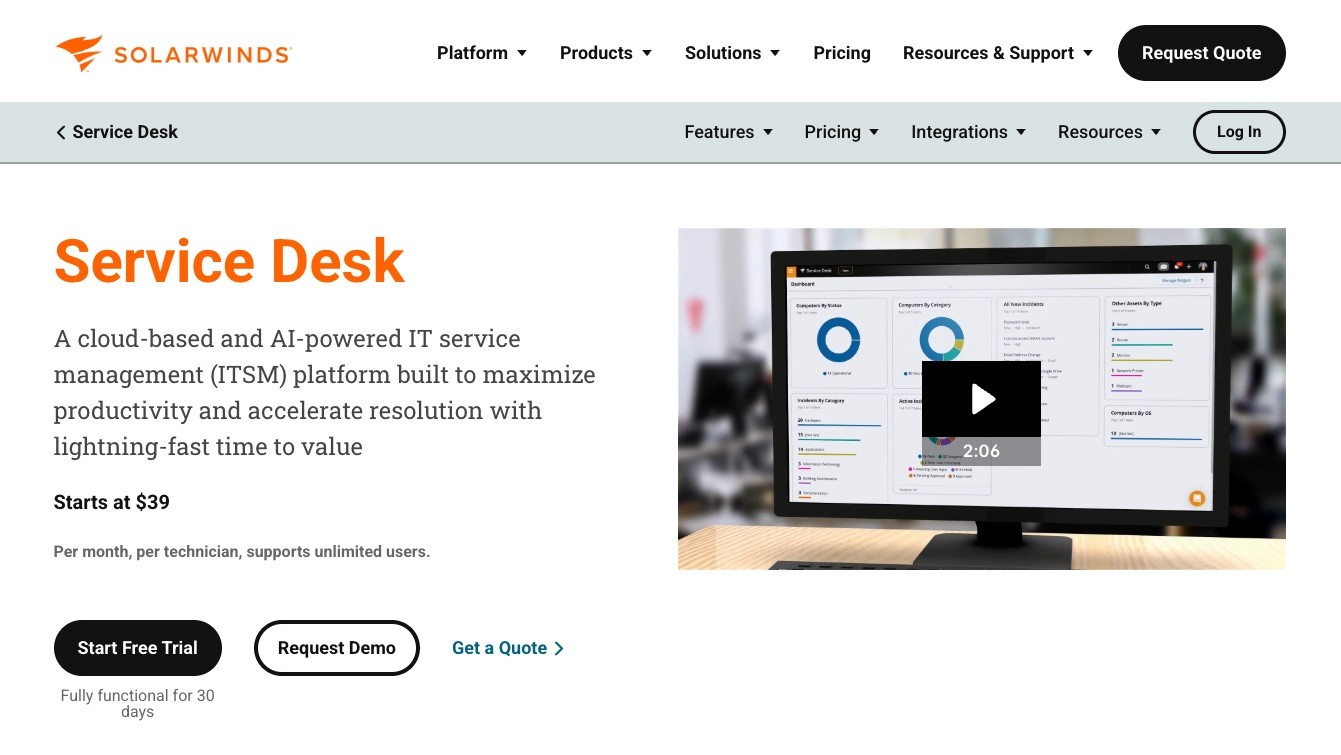
Best for: Integrated IT operations
Strength: Combines incident, asset, and configuration management
Starting price: 39 $/month/user or 468 $/year/user
Free plan: Not available
9. incident.io
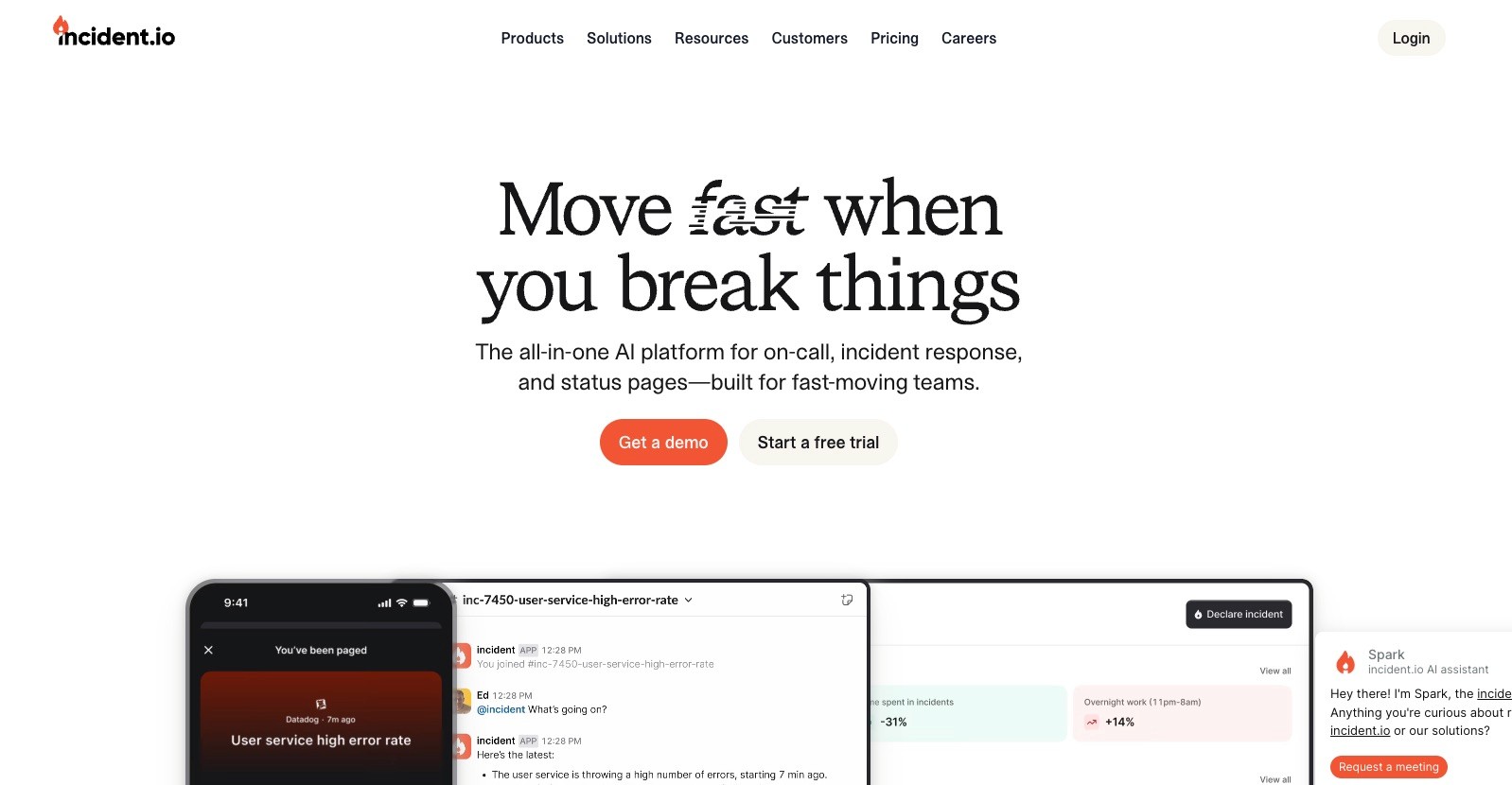
Best for: Slack-centric teams
Strength: Streamlined collaboration and automation
Starting price: 15 $/month/user or 180 $/year/user
Free plan: Available
10. FireHydrant
Best for: Workflow automation and runbooks
Strength: Strong customization and status page features
Starting price: 9,600 $/year (20 users included)
Free plan: Not available
Honorable mention: OpsGenie has been one of the biggest softwares in the industry, but is shutting down in April 2027. Here's a collection of Alternatives for OpsGenie.
Key Features to Look For
When evaluating incident management software, focus on these essential features:
Automated Workflows
Automation ensures incidents are routed, escalated, and resolved faster without manual, time-costly intervention.
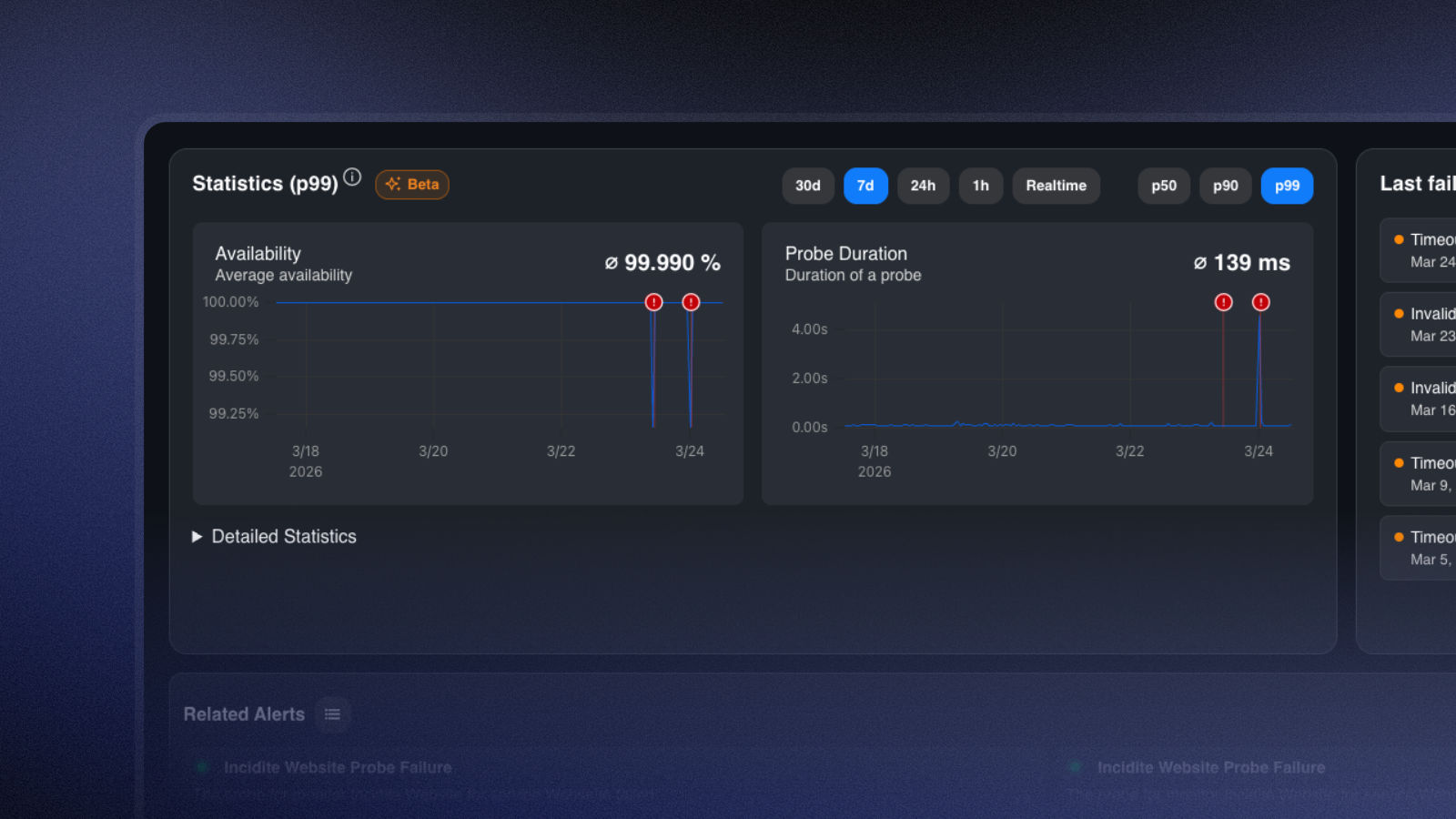
Monitoring
Monitoring your assets helps to detect outages instantly. In-depth statistics and metrics can even prevent downtime by spotting anomalies before they become a real problem. This is what monitoring statistics look like in Incidite:
Real-Time Alerts & Notifications
Immediate alerts through communication channels like Slack or Microsoft Teams help teams respond quickly and avoid prolonged downtime.
Collaboration Tools
Comment sections and integrations with communication channels make communication part of the workflow instead of having to jump between platforms for different tasks.
Reporting & Analytics
Advanced reporting helps identify patterns and prevent recurring issues.
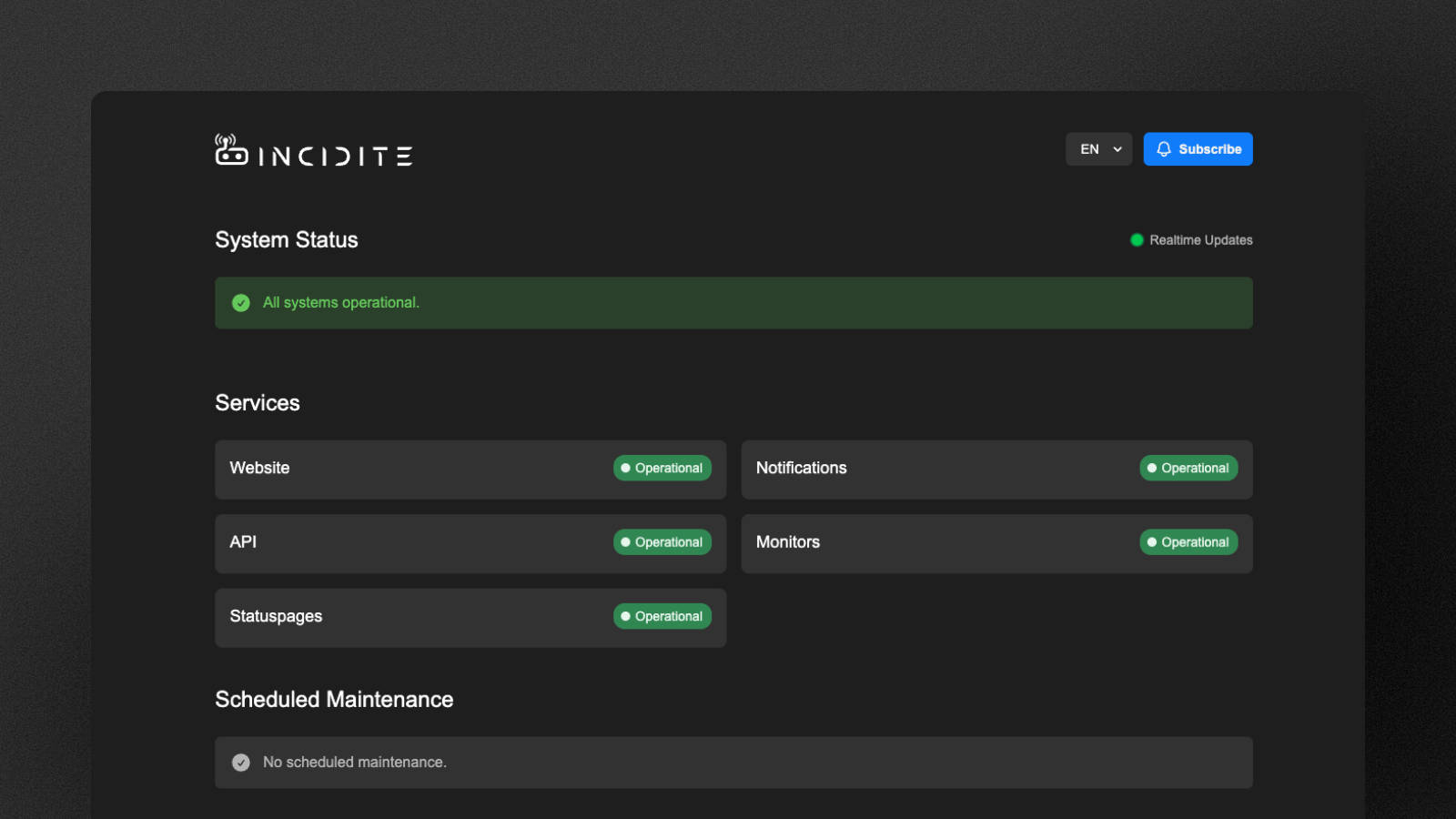
Status pages
Most Incident Management softwares have a built-in status page, but not all do. Status pages are the most efficient way to inform users and stakeholders of ongoing incidents or maintenances and can offer a huge relief to customer support teams.
Here's a deep-dive on status pages and their benefits for teams across various industries.
Integration Capabilities
Top tools integrate with monitoring systems, CI/CD pipelines, and ITSM platforms.
Benefits of Using Incident Management Software
Implementing the right tool delivers measurable advantages:
Faster incident resolution
Improved team collaboration
Reduced downtime and revenue loss
Better compliance and documentation
Data-driven decision-making via analytics
How to Choose the Best Incident Management Software
Selecting the right solution depends on your organization's size, workflows, and tech stack.
Team Size
Smaller teams might need a more user-friendly solution which is easier to set up. Big corporations often use heavily complex softwares to accommodate their needs.
Use Case
Different Incident Management solutions focus on different use cases and industries, with e.g. healthcare being one of many niches.
Integration Needs
Some teams are dependent on external integrations, others want everything in one place to avoid switching between applications.
Budget
Entry-level tools start around $10–$20/user/month while most Enterprise platforms use custom pricing models with significant price tags up to several thousand dollars per year. Incidite has by far the most attractive price, with 10 users included in the 16 € basic monthly plan.
FAQ Best Incident Management Software
What is an incident in the IT context?
An incident is an unplanned event that disrupts or reduces the normal operation of a system or service.
What is the difference between an incident and a problem?
Incident: An acute disruption or outage
Problem: The underlying cause of an incident
What is the difference between incident management and monitoring?
Monitoring: Observes systems and detects issues
Incident Management: Organizes the response and resolution
Who is incident management software suitable for?
Incident management software is mainly used by IT teams, DevOps teams, Cybersecurity teams, and Managed Service Providers.
In general, however, any organization can benefit where processes and responses are time-critical. This is why incident management is also used, for example, in healthcare or logistics.
How much does incident management software cost?
The prices for incident management systems vary widely. Smaller tools are available from around €10 per user/month, while enterprise solutions can cost several hundred euros per month. Incidite starts at €16 per month, which includes access for 10 users.
Thanks for reading!
Got a suggestion or need help? Let us know